If you want to change the workweek starting day, enter the ‘Settings’ section on the sidebar. In the ‘General Settings’, you can select from which day the workweek should begin. Remember to save new settings after the configuration.
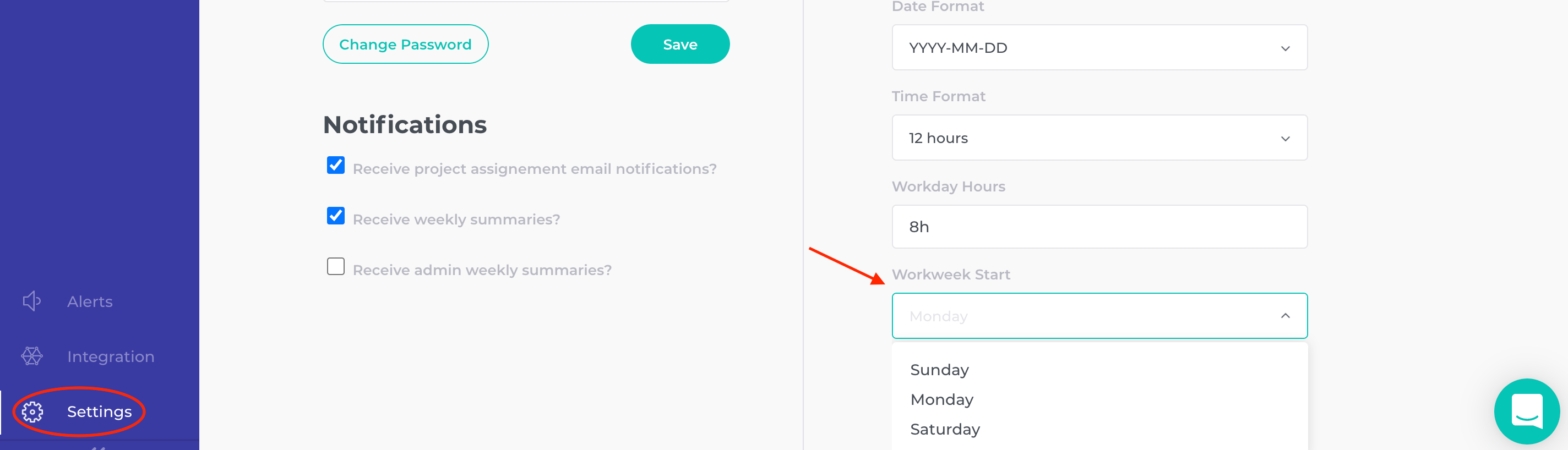
If you want to change the workweek starting day, enter the ‘Settings’ section on the sidebar. In the ‘General Settings’, you can select from which day the workweek should begin. Remember to save new settings after the configuration.
Contact us at support@timenotes.io and we'll be happy to help
By using this website, you agree to the storing of cookies on your device to enhance site navigation and analyse usage for our marketing efforts. Details on Privacy Policy.